Getting Started with the App: Sign Up by Text
Join ForensicCrash free from the app: sign up with a text message, verify the PIN, add your name and password, set your location, and find your way around Home, Quick Connect and Me.
1:57 · Watch on YouTube
Step by step
Part 1: Sign up
1. Open the app.
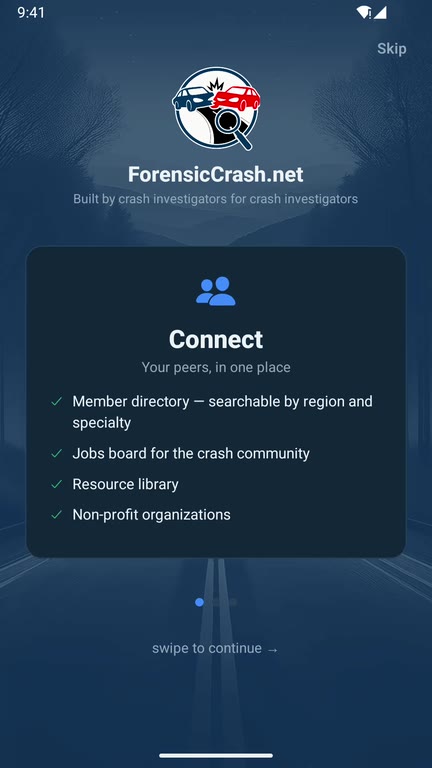
Get ForensicCrash from the App Store or Google Play. Swipe through the three pillars, Connect, Equip and Learn, then tap Sign in / Join free. The same button signs you in later.
2. Choose Email or Text message.
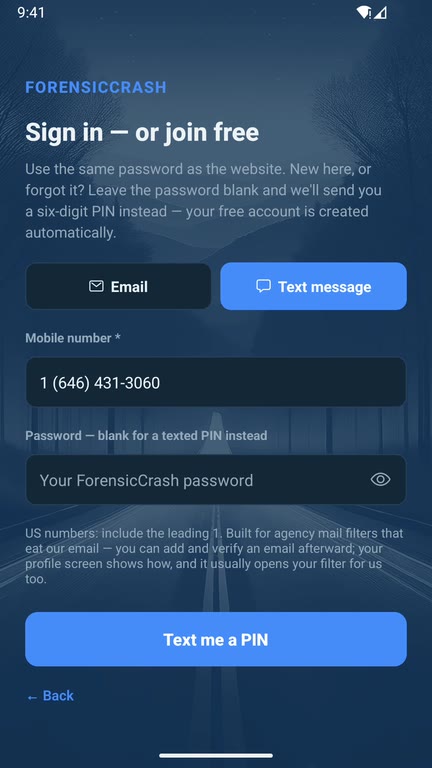
Both create the same free account. Text message is the better choice if your agency's mail filter blocks our email. You can add and verify an email address later.
Enter your mobile number. US numbers start with a 1.
New here? Leave the password blank. Members who already have one use the same password as the website.
Tap Text me a PIN. Your free account is created automatically.
3. Enter the PIN.
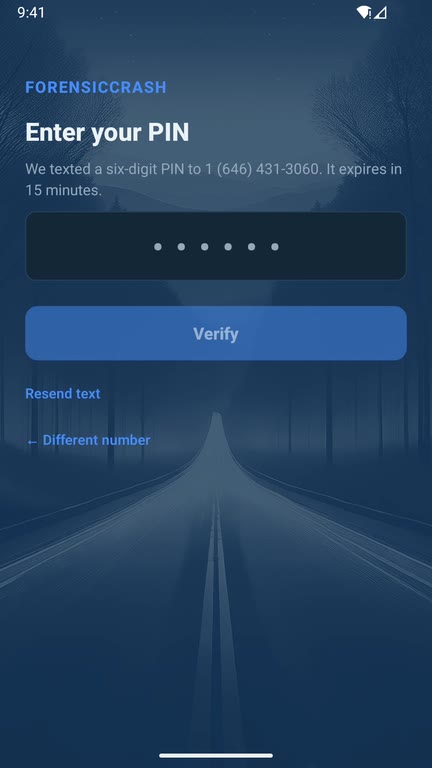
We text you a six-digit PIN. It expires in 15 minutes. Type it in and tap Verify. No text? Tap Resend text, or use Different number to fix a typo.
Part 2: Complete your account
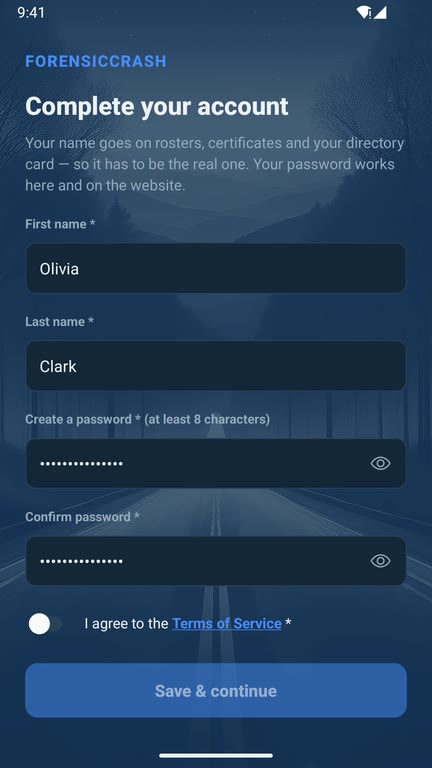
4. Add your name and a password.
Enter your first and last name. They appear on rosters, certificates and your directory card, so use your real name.
Create a password of 8 characters or more and type it twice. It works on the website too.
Turn on I agree to the Terms of Service, then tap Save & continue.
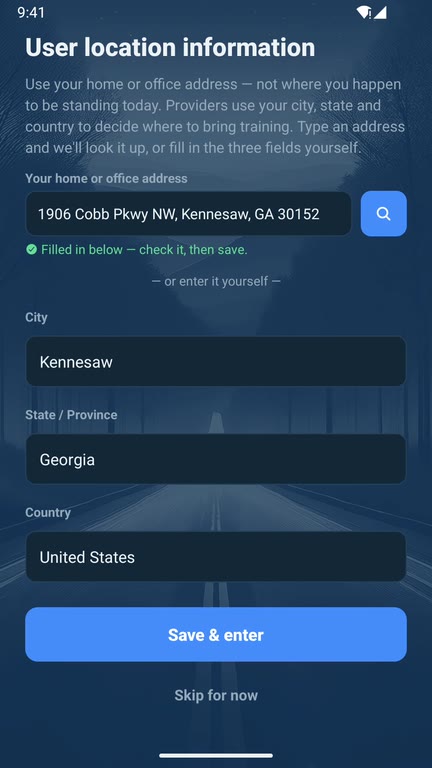
5. Set your location.
Type your home or office address, not where you happen to be standing. The app fills in City, State and Country for you, or you can type them yourself. Training providers use your city and state to decide where to bring classes. Tap Save & enter.
Part 3: Find your way around
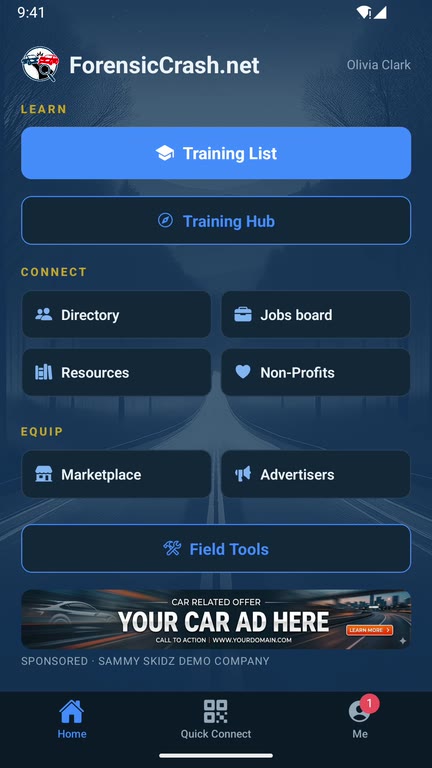
6. Home.
Home is built on the three pillars.
- Learn: the Training List and the Training Hub for classes and training requests.
- Connect: the member Directory, Jobs board, Resources and Non-Profits.
- Equip: the Marketplace and Advertisers.
Field Tools has quick calculators and tools for the scene.
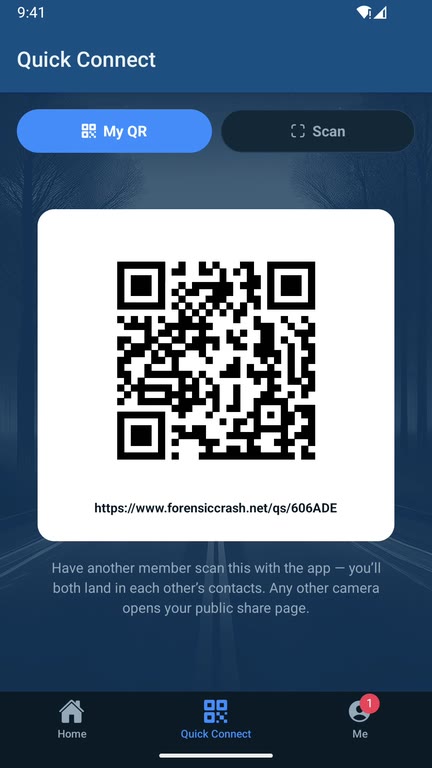
7. Quick Connect.
Swap contact cards in person: the other member scans your QR code with the app, and you both land in each other's contacts.
8. Me.
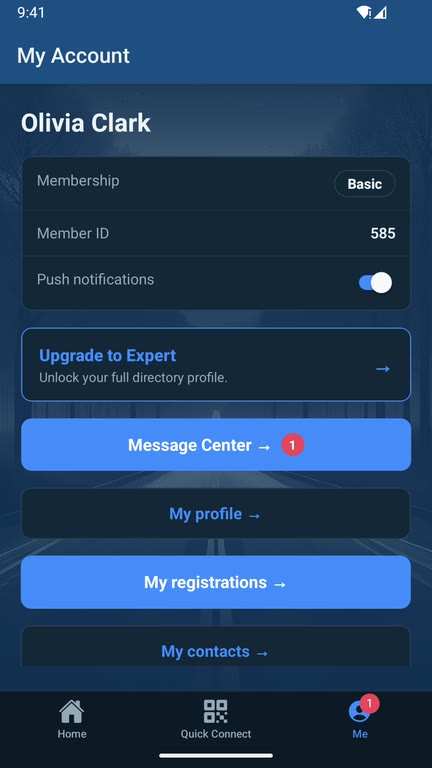
Your account, membership and settings. Your messages are in the Message Center. Open My profile next to fill in your profile, choose your privacy settings, and add your email address if you signed up by text.